You’re invited to a shared list
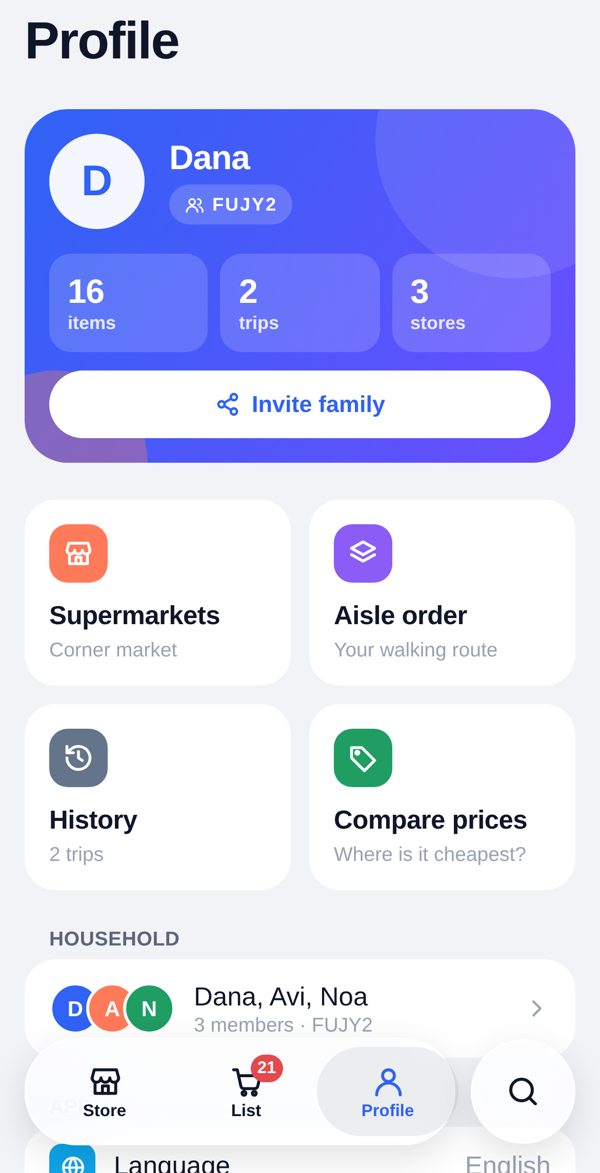
Install Aisle and sign up, then Profile → Households → Join, and type this code. Tap the code to copy it.
Or open the list in your browser →The shared grocery list
Your list,
in aisle order.
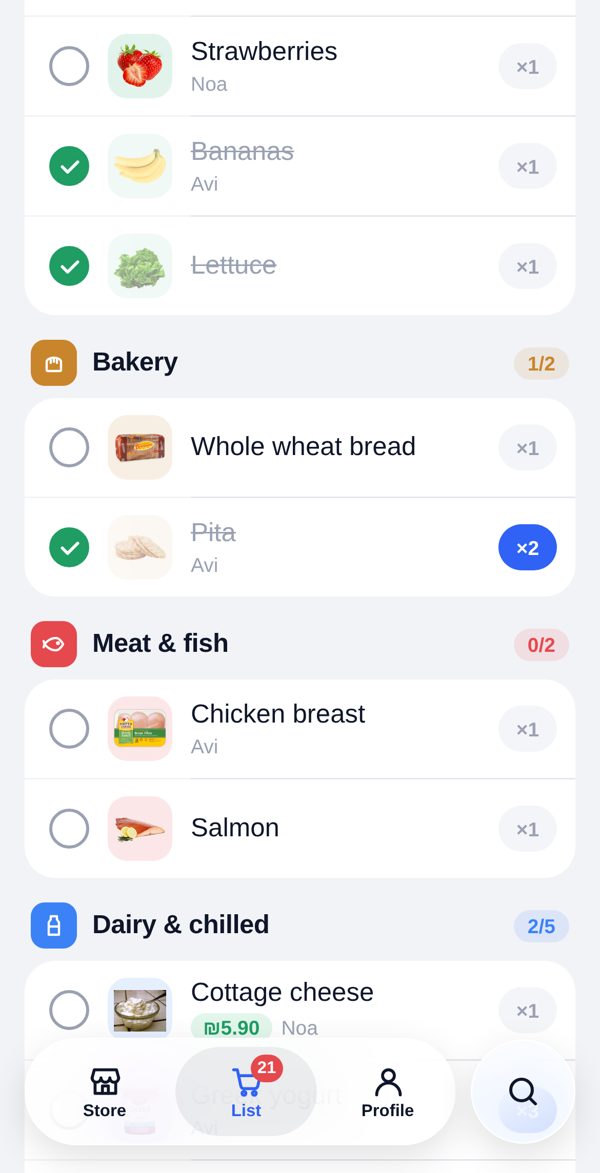
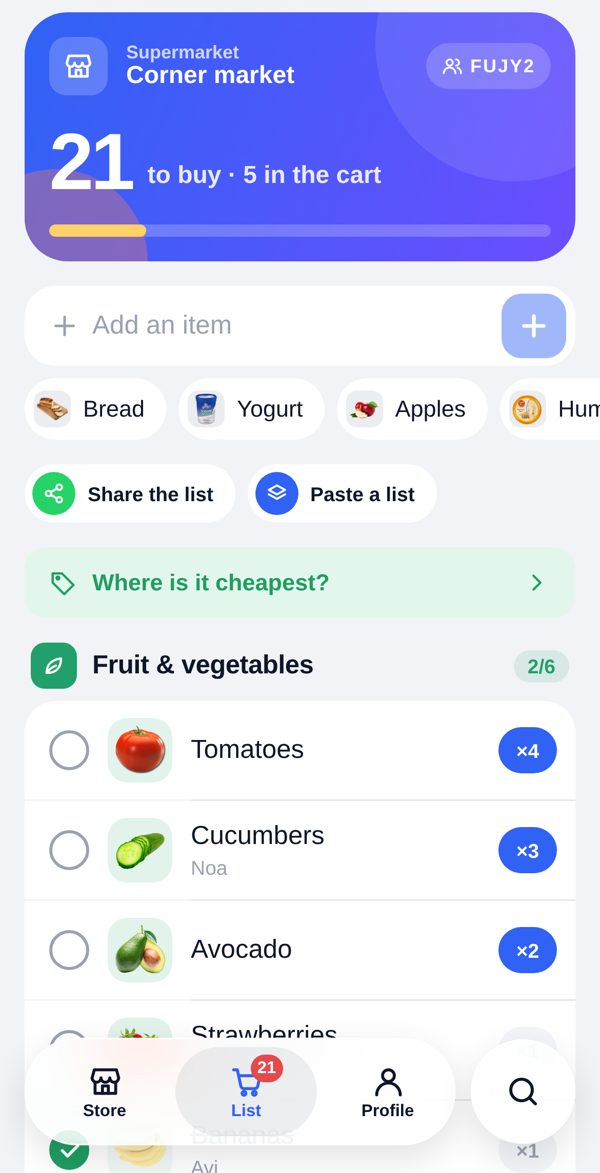
Everyone in the house adds to one list. Aisle lays it out in the order you walk your supermarket — so you go through the store once, start to finish.
Free · iPhone and Android · no account needed to look around
Walk in.
It sorts itself.
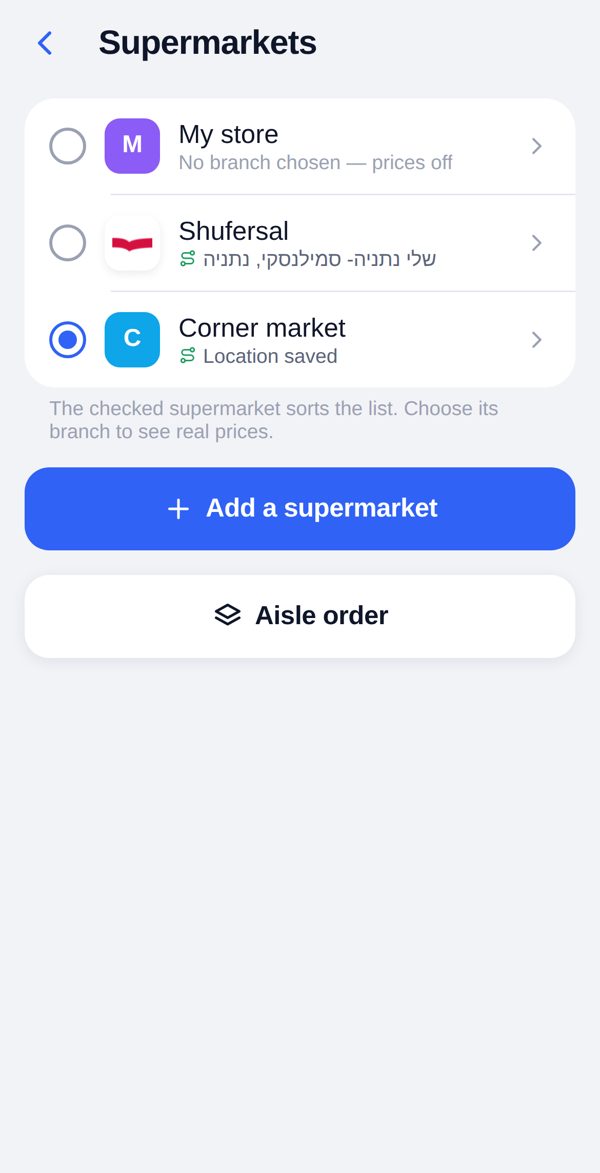
Step into one of your supermarkets and the list switches to that store’s aisle order on its own. Allow it, and Aisle says hello as you arrive — even with the app closed. It only watches your own stores, and never keeps where you’ve been.
- Every Israeli supermarket recognised — the chains’ branches and thousands more from OpenStreetMap
- Your own stores anywhere in the world: name it, stand inside, tap once
One list.
Everyone, live.
Share a code and the whole house is on the same list. Whoever is at the store sees what was just added at home, ticks things off, and finishes the trip for everyone.
Paste it from WhatsApp.
Copy the whole message — times, names, emoji and all. Aisle keeps the groceries, and sends the list back grouped by aisle when it’s your turn to share.
Scan it.
It’s on the list.
Point the camera at the empty jar and it’s on the family list. Barcodes come from the Israeli price data and from Open Food Facts for products from everywhere else. One it doesn’t know? Name it once — the whole house remembers.
Speaks your language.
English, Hebrew, Arabic, French, German and Spanish — Aisle follows the language your phone is set to, right to left included.
Where is it cheapest?
In Israel, Aisle reads the price files the chains publish by law: link an item to the exact product and see its price at your branch, and which chain has your whole basket for less. Indicative — check at the store.
Made to feel like your phone.